You have better things to do than count hours.
Time tracking, vacation and overtime in one place, calculated automatically and visible to everyone. At the end of the month it all goes to your accountant as a DATEV payroll export.
No credit card required · Cancel monthly

“MetronHR was ready within minutes, with no training session. Translated from German.”Berekat Karavul, Managing director and trainer, TRUECARE Hanover


 Lena H.
 Tobias K.
 Aylin D.
 Mehmet Y.
 Sophie B.
 Mara W.Leave, 3 daysAylin Demir · 28–30 OctTraining, 1 dayTobias Krüger · 22 Oct
 Leave, 3 daysNadia Schulz · 22–24 DecReview
 Month endSeptember · Krämer payroll officeDoneAylin Demir requests leave28–30 October · 3 days
- Made in GermanyDeveloped and hosted in Germany
- Certified data centreISO 27001, located in Germany
- Web, app and terminalBrowser, iPhone, Android, Mac, Windows
- GDPR compliantServers in Nuremberg and Falkenstein
What is MetronHR?
MetronHR is time tracking for small and medium-sized businesses in Germany with 5 to 100 employees. People clock in with the app, in the browser or at the NFC terminal. Leave, the overtime account and the month-end close sit in the same system, and the close goes to the accounting firm as a DATEV payroll file. Servers in Germany, from 5 € per person and month, 14-day free trial.
As at: November 2026
Monday, 7:45. The business opens at eight.
Who is off today is in WhatsApp. Who is on leave is on the pinboard. September's hours are in three Excel files, and the payroll office is already calling.
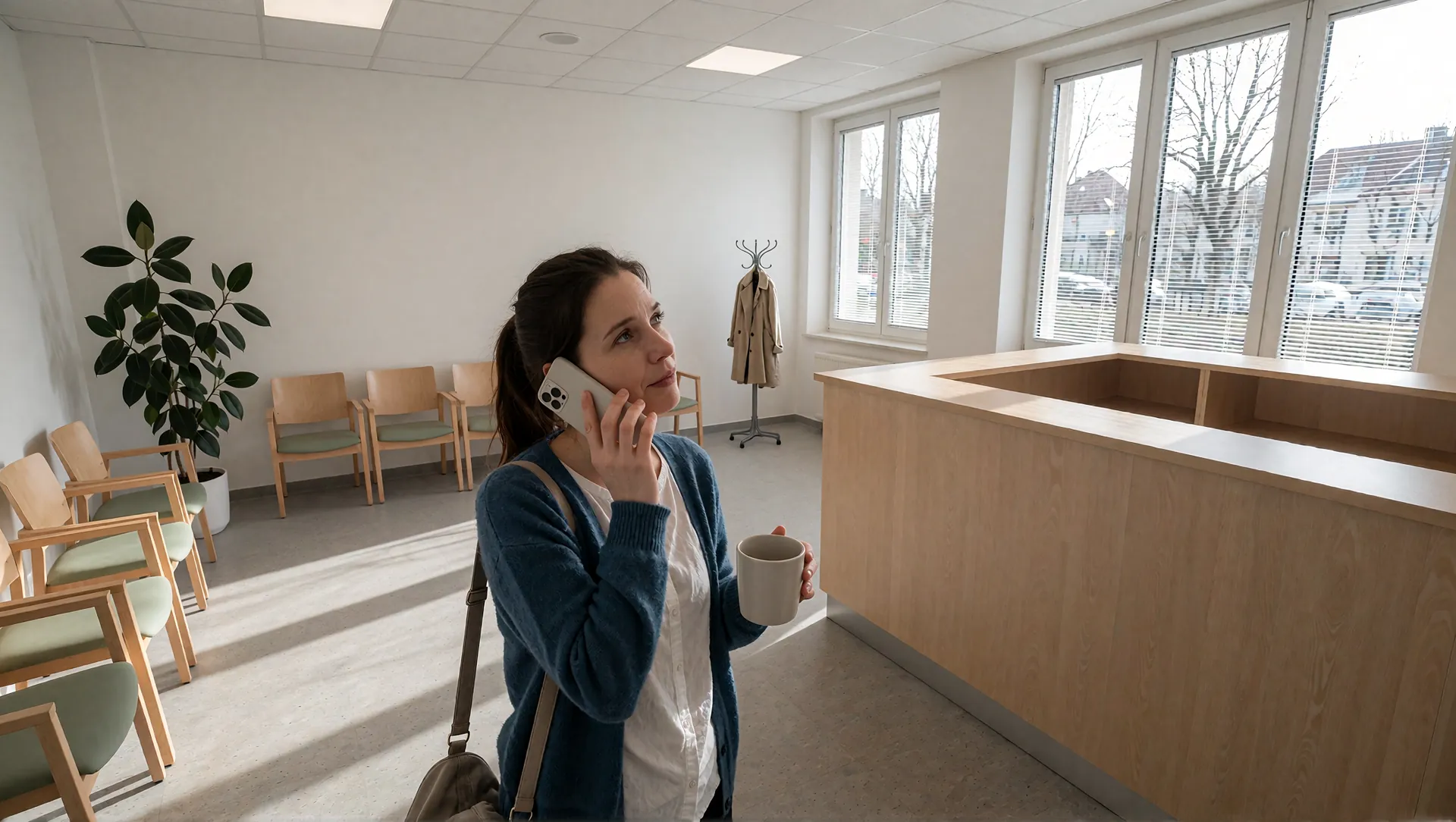 Sophie, receptionSorry, I'm ill and won't come in today. Sick note to follow.
 Jana, installationI worked two hours longer yesterday. Will you note that down?Krämer payroll officeThe hours for September are still missing. Please send them by 12 noon.Lena, receptionCan I have a week off in December? Is that written down anywhere yet?Krämer payroll officeMobile · 3rd call today
Tip: click the chaos away. Sample scene: photos, names and messages are made up.
With MetronHR everything is in one place. Not in five chats and three Excel files.
This is what your workday looks like with MetronHR.
Time tracking in Excel
Hours of manual work every month
- Formulas that break
- No overview
- Version conflicts
Automatic time tracking
One click, recorded
Press start, work, press stop. The time lands on the right day, and on the project and client if you like. In the browser, in the app or at the terminal.
More on time trackingBreaks under the Working Time Act
MetronHR checks every break: 30 minutes from 6 hours, 45 minutes from 9 hours. Nobody works that out by hand any more. Time is recorded to the minute, without rounding and without biometrics.
More on working time modelsLong days stand out at once
Daily and weekly totals add up as you clock in. A long day shows the same evening, not at the end of the month.
More on overtimeLeave by email
Chaos in approvals and no overview
- Lost emails
- Unclear approvals
- No view of the team
A digital approval path
Approve with one click
The request shows straight away how much leave is left afterwards. One click, in the browser or on the phone, and it's done.
More on absencesThe team calendar
Leave, open requests and public holidays are in one calendar per team. You see who is away before you say yes.
More on absencesEveryone is informed
After your decision the person gets a message, and the remaining leave is recalculated at once.
More on absencesLeave · 28–30 OctAylin Demir · 3 days · remaining leave 12Training · 22 OctTobias Krüger · 1 dayLeave · 22–24 DecNadia Schulz · 3 days · overlapReviewLeave · 19–23 OctLena Hoffmann · 5 daysApprovedMonth end with a calculator
Collecting slips and typing them up
- Adding up for hours
- Overtime goes unrecorded
- Queries from the payroll office
The month end comes out finished
Target, actual and balance per person
MetronHR calculates the target hours from each person's working time model and the actual hours from the clock-ins. The balance is ready at the end of the month.
More on overtimePremiums as an amount
Night, Sunday and public holiday hours are recognised and shown with the premium as an amount.
More on the month-end closeReady for the payroll office
As a DATEV payroll file, as Excel or CSV, with finished figures per person. Nobody in the payroll office recalculates clock-in times.
More on the month-end close| Person | Target | Actual | Balance | Premiums | Leave | Sick |
|---|---|---|---|---|---|---|
| Lena Hoffmann | 132:00h | 135:30h | +3:30h | €0.00 | 0 | 0 |
| Tobias Krüger | 176:00h | 184:15h | +8:15h | €42.60 | 0 | 0 |
| Aylin Demir | 110:00h | 108:45h | −1:15h | €0.00 | 0 | 0 |
| Mehmet Yilmaz | 154:00h | 154:00h | 0:00h | €18.90 | 0 | 2 |
| Sophie Braun | 176:00h | 180:30h | +4:30h | €0.00 | 0 | 1 |
| Mara Wagner | 176:00h | 176:00h | 0:00h | €61.20 | 4 | 0 |
Scattered employee data
Documents in five different folders
- No central filing
- Stale data
- Deadlines get missed
Digital personnel file
Everything in one place
Basic data, working time, absences, documents and onboarding in one file. No folder in the cupboard, no five places to file things.
More on the personnel fileAccess by permission
Employees see their own file, HR sees everything. You decide who may see what through roles.
More on the personnel fileReminders before deadlines
When a training or certificate is about to expire, the file says so in good time. Deadlines no longer get missed.
More on the personnel fileSophie BraunMedical assistant · Reception · since March 2021ActiveThe app walks you through it on its own.
Whoever opens MetronHR for the first time is shown around page by page.
- Guided tours through the pages of the app, step by step
- A setup assistant that only asks what your business needs
- Behind the question mark in the page head is the help for that page

Employees side by side
Per employee you see target hours, actual hours and the balance. Green values are positive, red are negative. Click a row to open the detailed view with monthly calendar, daily totals and overtime trend.
| Employee | Target | Actual | Balance |
|---|---|---|---|
| Lena Hoffmann | 132:00h | 135:30h | +3:30h |
| Tobias Krüger | 176:00h | 184:15h | +8:15h |
| Aylin Demir | 110:00h | 108:45h | −1:15h |
| Mehmet Yilmaz | 154:00h | 154:00h | 0:00h |
“MetronHR was up and running for us within minutes, without a training session and without resistance in the team. The features are so clear that everyone on the team knows right away what to do.”
Berekat KaravulManaging director and trainer, TRUECARE Hanover0training sessions before the first clock-in
Four roles, one source of truth.
What the team clocks, management sees at once. The administration maintains it in one place, the payroll office gets the finished month. Nobody retypes anything.
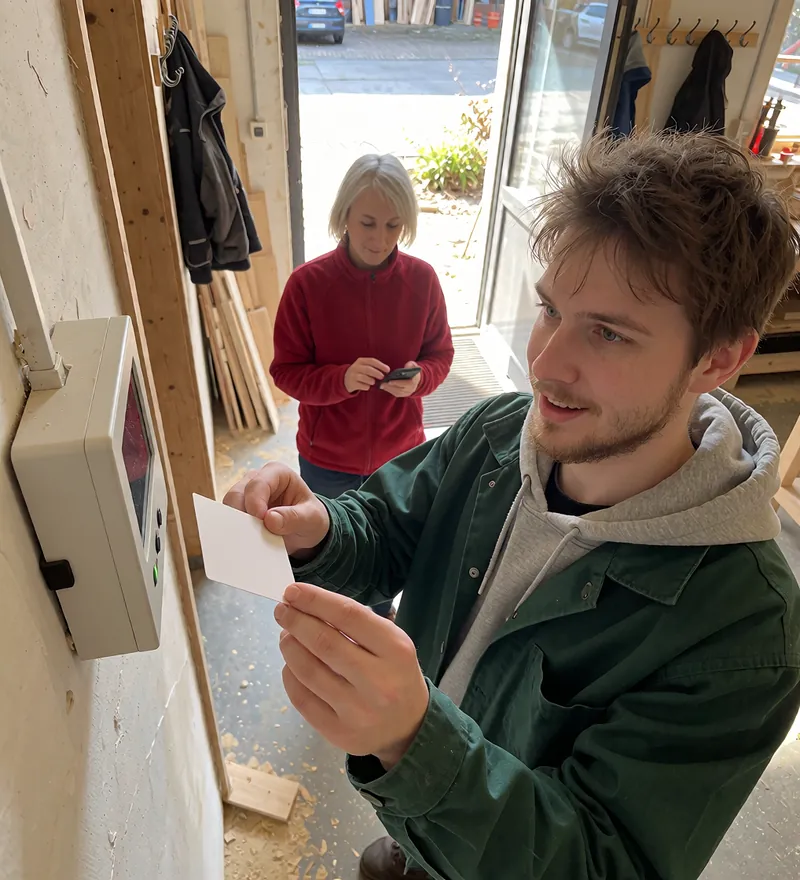 The team
Clocks in in the browser, with the app or a card
One click to start. Anyone without a work phone holds their card to the terminal.
 The management
Approves with one click
Sees who is in, who is off and where things get tight next week.
 The administration
Keeps everything in one place
Working time models, files and deadlines, without folders and lists on the side.
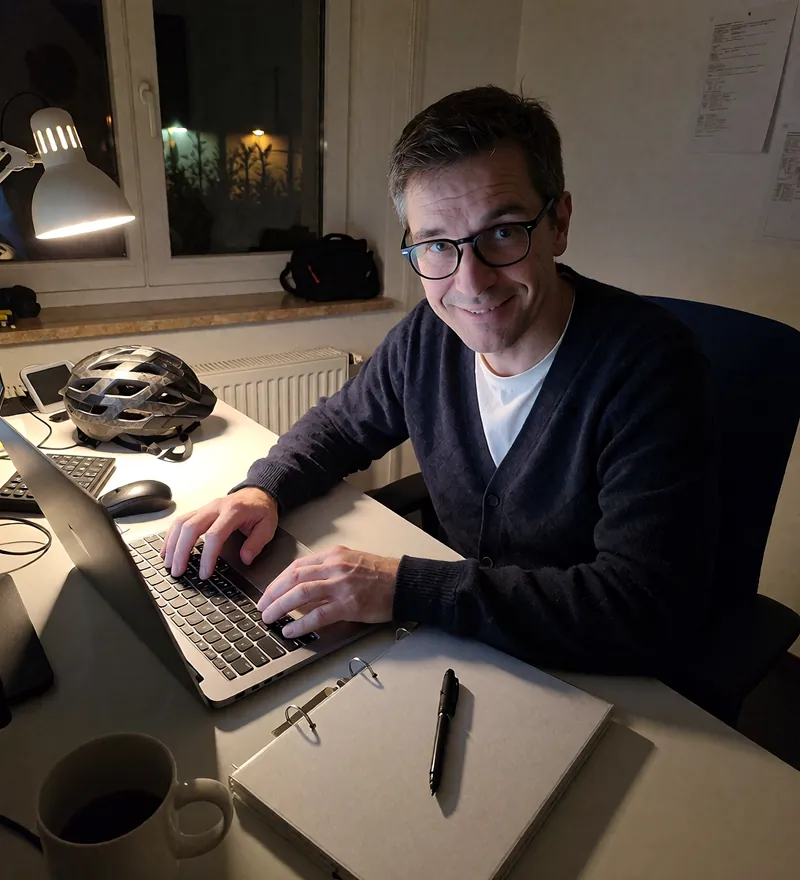 The payroll office
Gets the month as a DATEV file
Payroll file for LODAS or Lohn und Gehalt, with their own wage types. Without DATEV as Excel or CSV.
What you get out of it every day.
You see which project pays off.
Every hour lands with the right client. Budgets and allowances update as you go, the traffic light shows where things get tight.
- One click in the browser, in the app or at the terminal
- Breaks calculated automatically under the Working Hours Act
- Project budgets and client hour packages in real time
You know today who is off next week.
Requests arrive as push notifications, you approve with one click. MetronHR works out remaining leave and allowances itself.
- Team calendar across all teams
- Approve in the browser or on the phone
- Reminders when a request is left waiting
Aylin D.UUULena H.FFMehmet Y.KKSophie B.U leave, F training, K sick. Only those allowed to see it see the reason for an illness.
You spot overtime before it becomes a problem.
Time accounts and flexitime are always up to date. You filter by team, project or period and export with one click.
- Overtime and flexitime accounts live
- Reports per team, project and person
- Export as Excel or CSV
Try it for 14 days with your real team.
Start the 14 day free trialNo credit card required · Cancel monthlyWhether project work, shift work or a practice.
 Project work
For teams that book to projects and clients
Consulting, agency or IT: hours are recorded against projects and clients, budgets and hour packages run along automatically.
- Time tracking per project, client and task
- Project budgets and client hour packages in real time
- Reports for billing and controlling
 Shift work
For businesses that work in shifts
Retail, hospitality, care or production: rotas are built by drag and drop, conflicts and rest periods are checked automatically.
- Weekly rota by drag and drop, with shift patterns
- Absences and rest periods checked automatically
- Shift swaps and the rota in the app
 Practices and firms
For practices and firms with a fixed rhythm
Dentist, vet, pharmacy, physiotherapy or tax firm: the day plan shows who takes on which task when.
- Day plan to the minute, per person and room
- Qualifications and cover in view
- Industry pages with the recording duty that applies there
For businesses that fit no standard template.
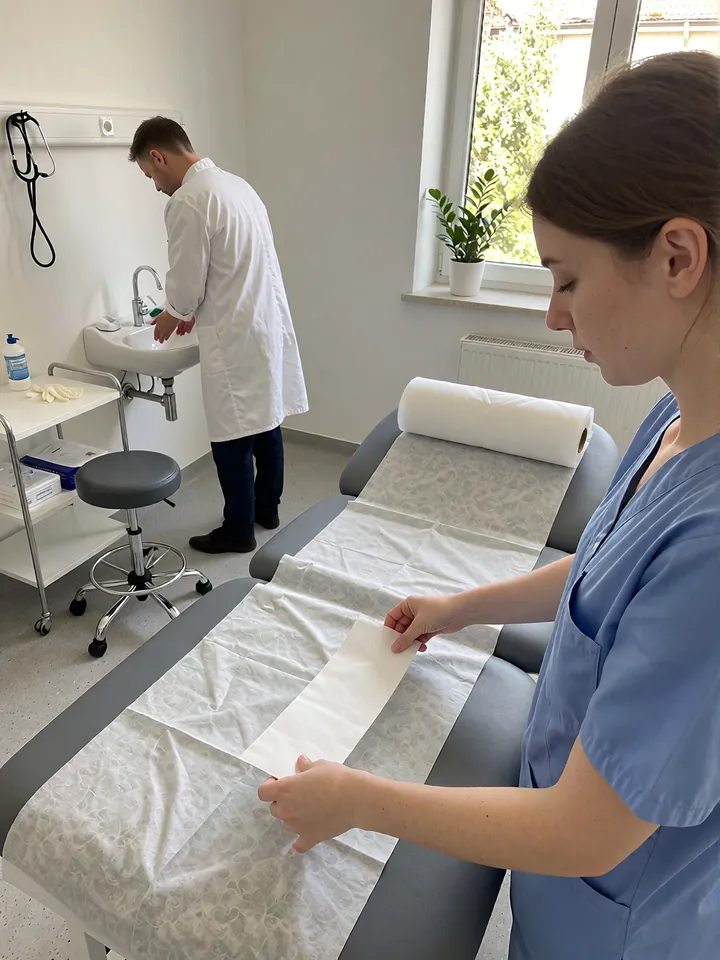 Medical practicesDay plan and cover
 PharmaciesEmergency duty and shifts
 Construction and tradesclock in offline too
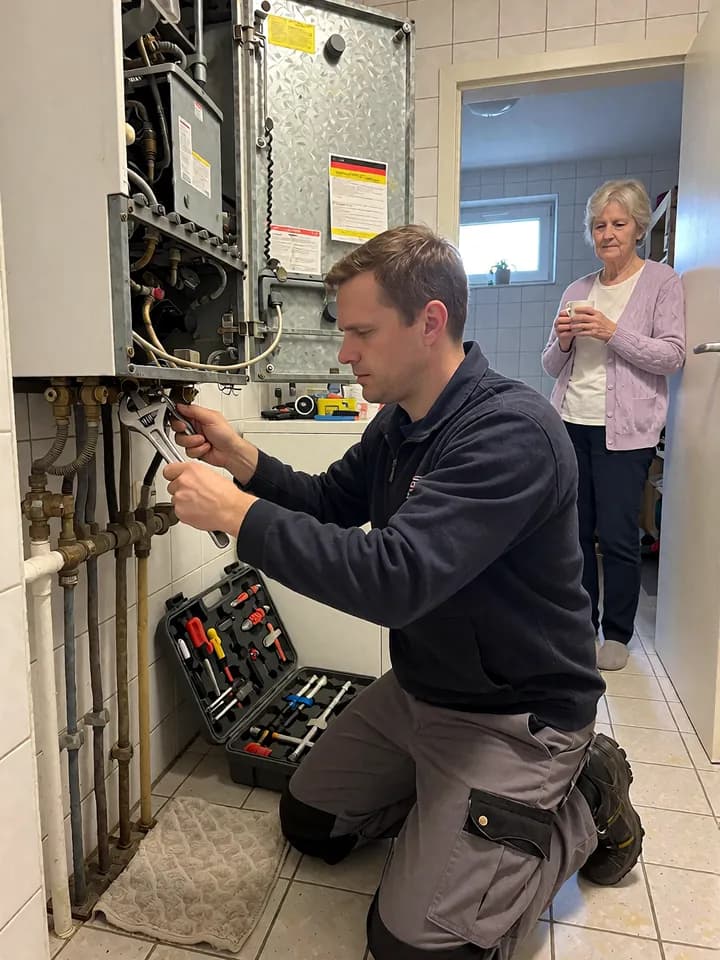 Service & maintenanceJobs at the customer's
 LogisticsShifts in the warehouse
 HospitalityRest periods and premiums
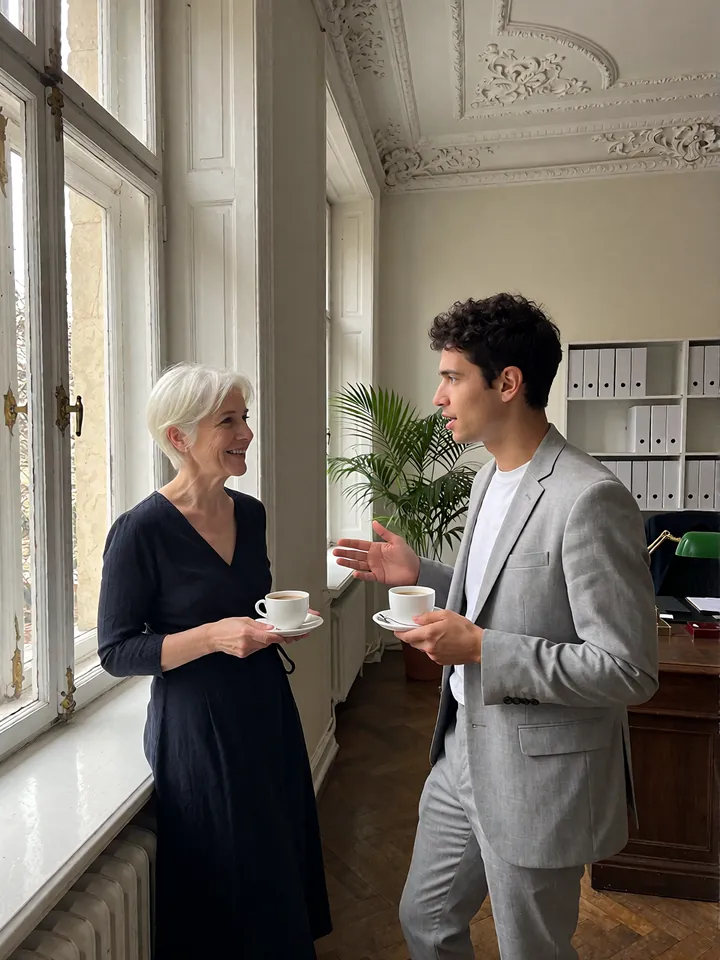 Law and tax practicesTime per client matter
 AgenciesBudgets and retainers
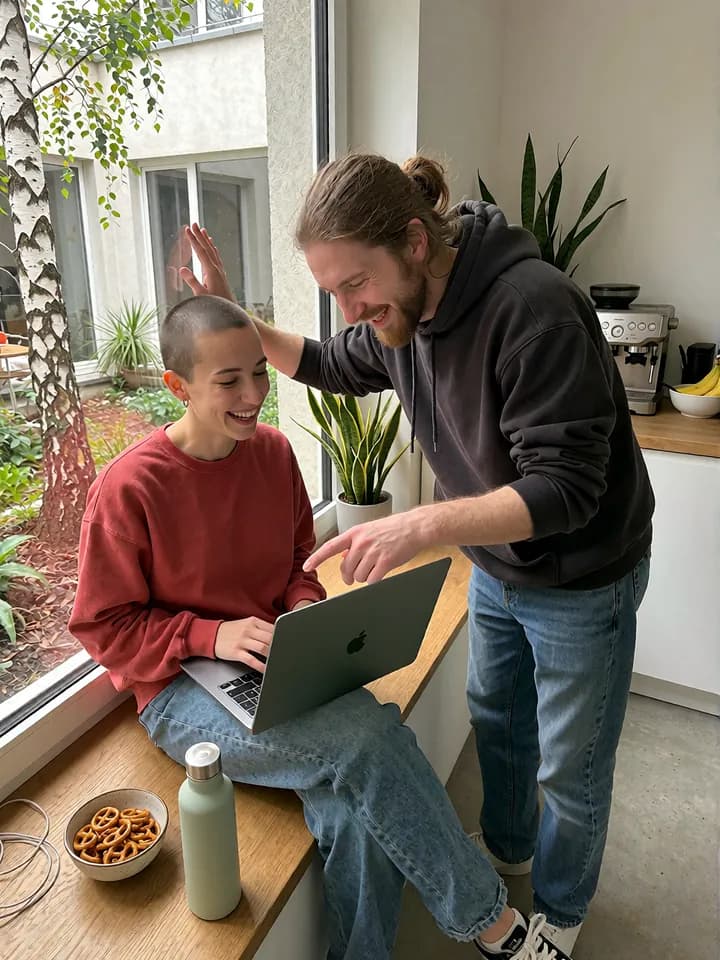 IT and softwareBook time to projects
- See all 23 industriesFrom dental practice to staffing agency
Built for German law, hosted in Germany.
GDPR compliant
Full GDPR compliance since day one, DPA and technical measures included.
GoBD-compliant audit trail
Every change to a time entry with editor and timestamp, in the Professional plan.
Hosted in Germany
Servers in Nuremberg and Falkenstein, ISO 27001 certified data centre.
Your data stays in Germany. Always.
Our servers are located exclusively in German data centres in Nuremberg and Falkenstein. Your data is subject to German and EU law, not to the US CLOUD Act or other foreign access laws.
- Encrypted in transitConnection encrypted with TLS (HTTPS)
- Daily backups in GermanyBackups in German data centres
- No vendor lock-inExport your data at any time, it belongs to you
Built by AMNAU GmbH in Hanover
Support, development and data processing are based in Germany. When you write to us, the answer comes from the people who build the product.
MetronHR came about because, as a growing team, we struggled with Excel, email and US software ourselves.
 UgurDevelopment, builds the web app and the apps
- Head office
- Hanover
- Servers
- Nuremberg and Falkenstein
- Apps
- iPhone, Android, Mac and Windows




- Also by us
- workspace.pmProject and portfolio management
Simple, fair prices without hidden costs.
No setup fees. Start for free and only pay once you're convinced.
- 14 days free, no credit card
- No base fee, no setup
- Cancel monthly
- Licences up and down every month
Team
Made for getting startedFor small teams putting digital time tracking in place
Recommended for teams with up to 10 employees50 % off · first 6 monthsRegular€5€2.50/employee/month, excl. VATFor 6 months, then €5 per employee and month. New customers only, until 31.12.2026. Promotion terms
- Time tracking and project assignment
- Absence management (holiday, sick leave)
- Overtime accounts and time off in lieu
- Flexible working time models
- GDPR compliant (German servers)
- Working time law checks, run automatically
- Smart auto-fill (far less typing)
- Reports and exports (time account, projects, billing)
- DATEV payroll export (LODAS, Lohn und Gehalt)
- Apps (iOS, Android, Mac & Windows)
- Wall terminal (RFID and NFC card)
- Email support, answer within 24 hours
- Multi-factor authentication
- Not included: Analytics module: four reporting dimensions
No credit card required · Cancel monthly
- Recommended
Professional
Our most popular planFor growing teams with professional HR requirements
Recommended for teams with 10–100 employees50 % off · first 6 monthsRegular€10€5/employee/month, excl. VATFor 6 months, then €10 per employee and month. New customers only, until 31.12.2026. Promotion terms
- Everything in Team, plus:
- Digital employee records
- Shift and duty planning (day plan)
- Workflow automation and approvals
- Analytics module: four reporting dimensions
- Budget tracking with a target versus actual indicator
- Audit trail of time entries
- Automatic hour package management
- Onboarding and offboarding workflows
- Public REST API and webhooks
- Priority support, answer within 8 hours
- Not included: Dedicated account manager
No credit card required · Cancel monthly
Enterprise
Maximum flexibilityA tailored setup for large organisations with particular requirements
Recommended for teams with 100+ employeesCustomon requestA tailored solution, sized to your business
- Everything in Professional, plus:
- Unlimited employees
- Custom integrations by arrangement
- Dedicated account manager
- 99.9% SLA
- On-premise hosting (optional)
- White-label option
Individual contracts · Flexible terms
Billed monthly and cancellable monthly. All prices plus statutory VAT.
What does it cost for your business?
From 11 people we recommend Professional with personnel files, shift planning and analytics.
All prices plus statutory VAT, no base fee. Special price for new customers only, until 31.12.2026. For more than 100 employees we quote individually in the Enterprise plan.
Frequently asked questions
Still have questions? Write to us.Ugur, development, from the team in HanoverThe people who build MetronHR answer you. Also while you are testing and without a paid account. The guides in the help centre explain how to use it step by step.
Pricing and billing
Is there a free trial?
Yes. You test MetronHR free for 14 days, without a credit card and without risk, with full access to all Professional features:
- Time tracking and project management
- Absence management with workflows
- Apps for iOS, Android, Mac and Windows
What does it cost not to use time tracking software?
The hidden costs of Excel and email are considerable. A typical team loses:
- A lot of time spent recording hours by hand
- Extra work managing holiday by email
- A higher risk of payroll errors from typos
- Compliance risk if the BAG ruling is not met
Can I change plan or cancel at any time?
- Plan upgrades apply at once and are prorated
- Downgrades from the next billing cycle
- Monthly notice period, no minimum term
- Annual payment: 17% discount, cancellable at the end of the billing year
No vendor lock-in, your data belongs to you and can be exported at any time.
What do I get for referring MetronHR?
Every customer has a personal referral link in the dashboard. If a new company signs up through it and pays its first invoice, you both get 50% off the subscription for 3 months. On a yearly plan it is 25% off the first annual invoice.
- Applies to every successful referral, with no cap
- Discounts stack up when several referrals land
- No form, no application: sharing the link is enough
Security and data protection
Is MetronHR really GDPR compliant?
Yes, built that way from the start:
- All data in German data centres (Nuremberg and Falkenstein)
- No transfer to third countries (no US CLOUD Act)
- Encrypted in transit (TLS/HTTPS)
- ISO 27001 certified data centre
- DPA and record of processing included
Where exactly is my data stored?
Your data is stored exclusively in certified German data centres:
- Primary site: Nuremberg
- Backup site: Falkenstein
- Daily backups in German data centres
- Redundant infrastructure in an ISO 27001 certified data centre
Unlike US-based providers we are subject only to German and EU law, with no access by foreign authorities.
What happens to my data if I cancel?
You keep full control over your data:
- Export at any time (CSV, Excel, JSON)
- 30 days of access after cancelling
- Automatic deletion after 30 days
- No vendor lock-in, data in standard formats
Who is behind MetronHR?
MetronHR is built and operated by AMNAU GmbH in Hanover, Germany (Kronenstraße 13, 30161 Hannover, HRB 228100, Amtsgericht Hannover). Support, development and data processing sit in Germany; the servers stand at Hetzner Online GmbH in Nuremberg and Falkenstein.
More about usSetup and migration
How long does setup really take?
MetronHR is deliberately kept simple. Most teams are productive within minutes:
- Create an account and invite the team
- Add projects and clients (optional)
- Record the first hours and try it out
- No IT work, no installation, no training
Can I import my existing data from Excel?
Yes, import from Excel and CSV, no training needed:
- CSV import for employees, projects and past hours
- Template download with sample data
- Mapping assistant for automatic matching
- Support helps with larger migrations (from Professional)
Features
Is there an app?
Yes, apps for iOS and Android as well as for Mac and Windows are included in every plan:
- Record time on the go with one tap
- Timer in the Mac and Windows menu bar
- Push notifications for approvals
- Offline mode for work on site
- Synchronised in real time
How do the hours reach my accountant?
At the end of the month you download the DATEV payroll file under Reports, for LODAS or Lohn und Gehalt. It holds the hours, premium hours, vacation and sick days per person with your accountant's wage types, and the accountant imports it into their payroll software. If your payroll office works without DATEV, the finished time accounts go out as Excel or CSV.
- DATEV payroll export for LODAS and Lohn und Gehalt, in both plans
- A time account per employee as Excel with four sheets
- Absence reports (holiday, sick leave) as CSV and Excel
Ready to make your time tracking simpler?
Start today, free and without risk. Cancel monthly, no minimum term.
Start the 14 day free trial- No credit card required
- Ready quickly
- Cancel monthly
- Full access to every feature