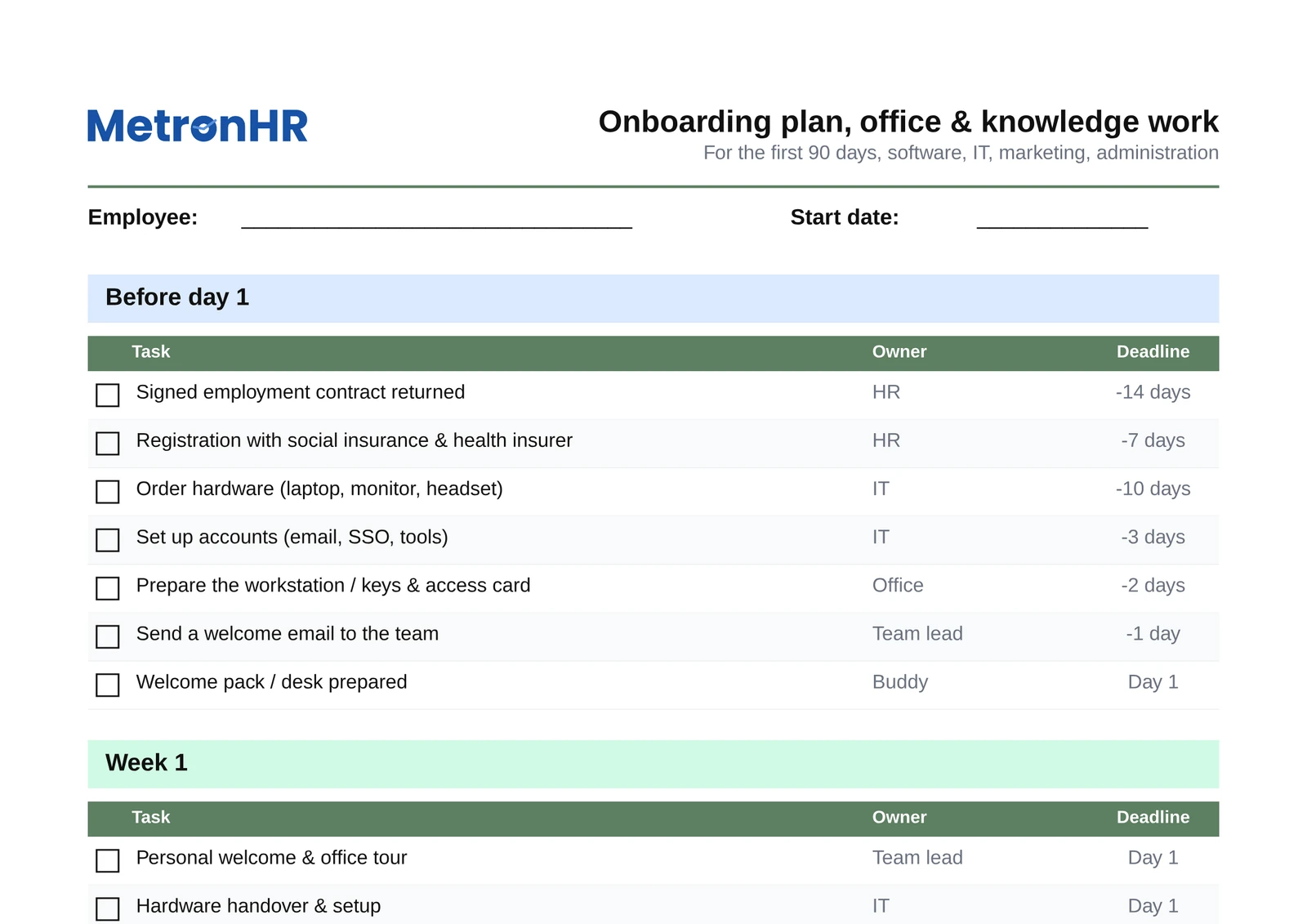
Onboarding · office
Onboarding plan for office & knowledge work
A structured 90-day checklist for software, IT, marketing and administration, with hardware, access, mandatory training and probation milestones.
View details & FAQFeatures
Who it is for
More
Seven industry-specific 90-day onboarding templates as Excel and PDF. Pick your industry; every version comes pre-filled with concrete tasks and the right owners. No sign-up, no newsletter.
Every version comes pre-filled with around 20 industry-typical tasks across 4 phases, downloadable directly or explorable as a detailed overview.
A structured 90-day checklist for software, IT, marketing and administration, with hardware, access, mandatory training and probation milestones.
View details & FAQ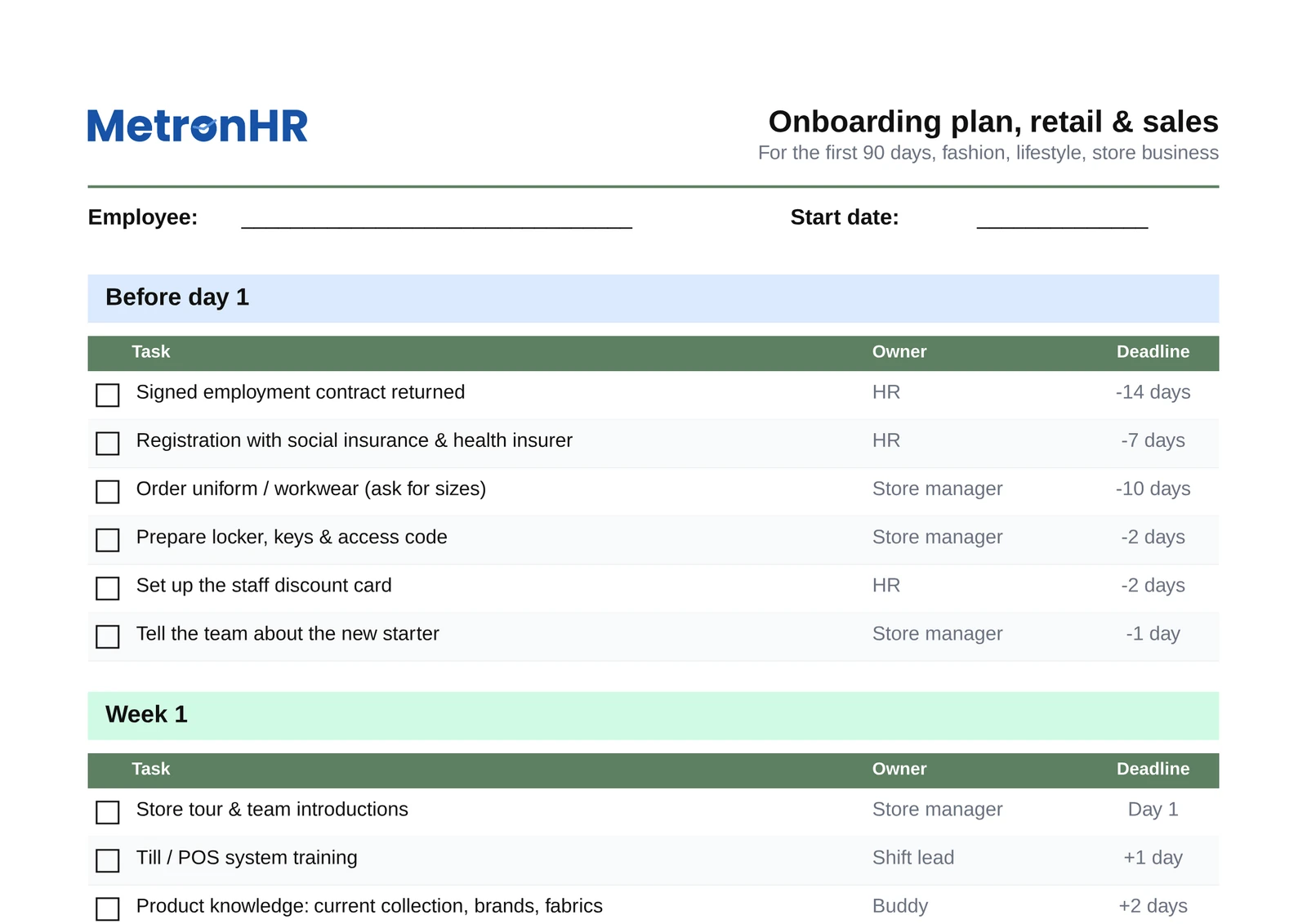
For the first 90 days in a fashion shop, lifestyle store or branch, with the uniform, POS induction, product knowledge and sales training instead of hardware orders.
View details & FAQ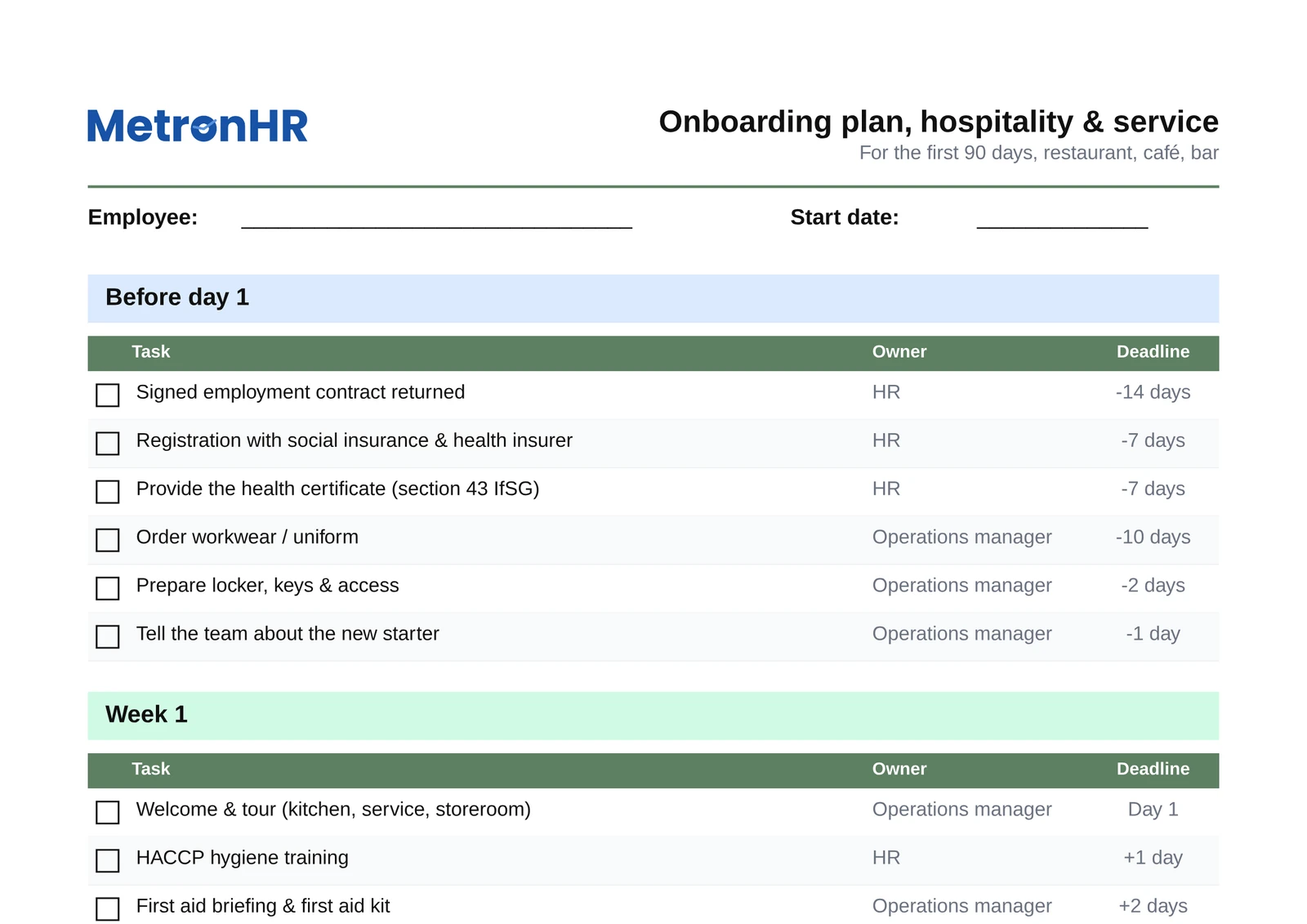
For restaurants, cafes and bars, including the health certificate, HACCP training, allergens and the till system. Duties no office template covers.
View details & FAQ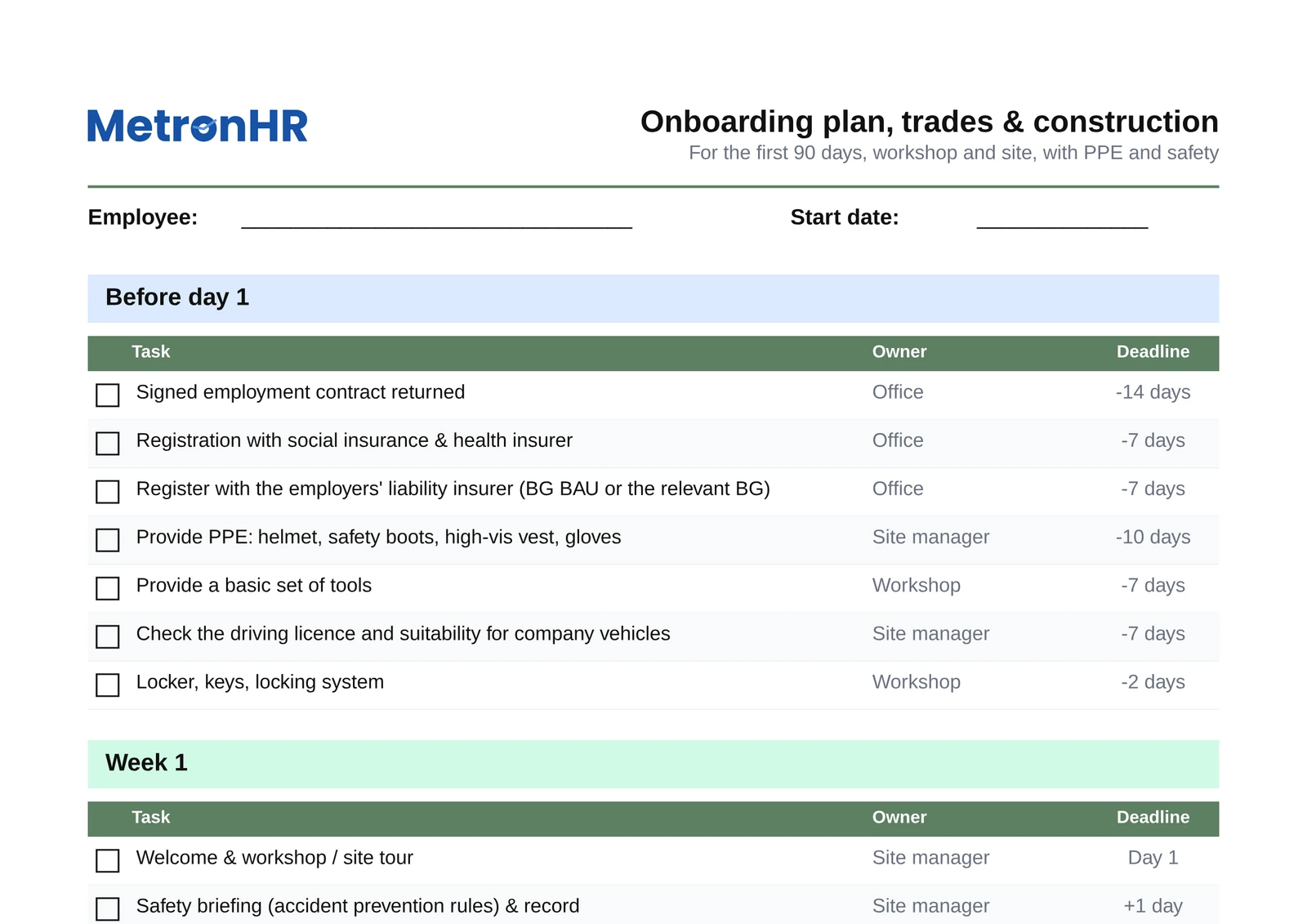
For the workshop and the building site, with protective equipment, registration with the accident insurance institution, accident prevention instruction and tool and machine induction instead of Slack and SSO.
View details & FAQ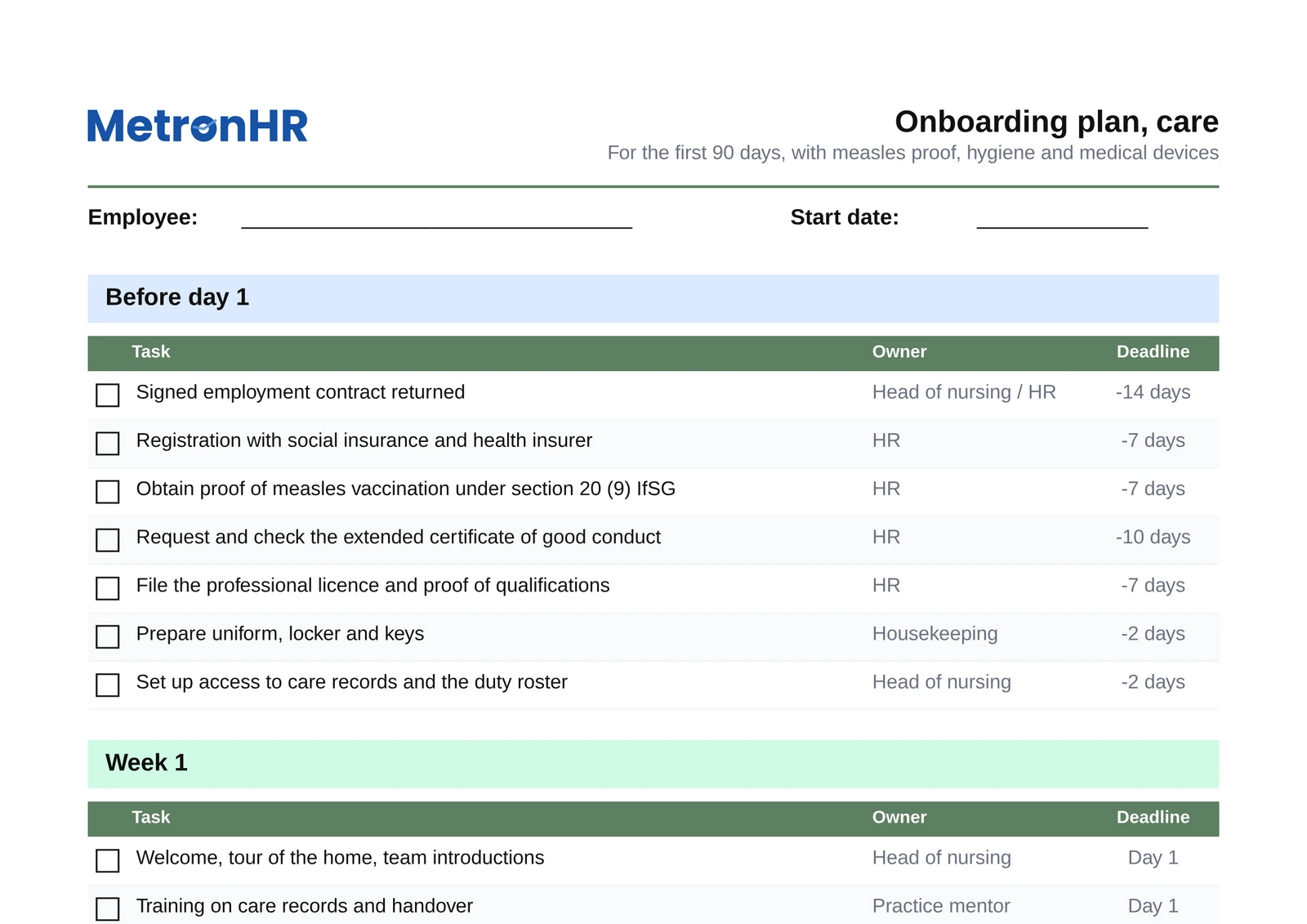
A 90-day plan for care facilities and home care services, with measles immunity proof, the hygiene plan, medical devices and supervised shifts.
View details & FAQ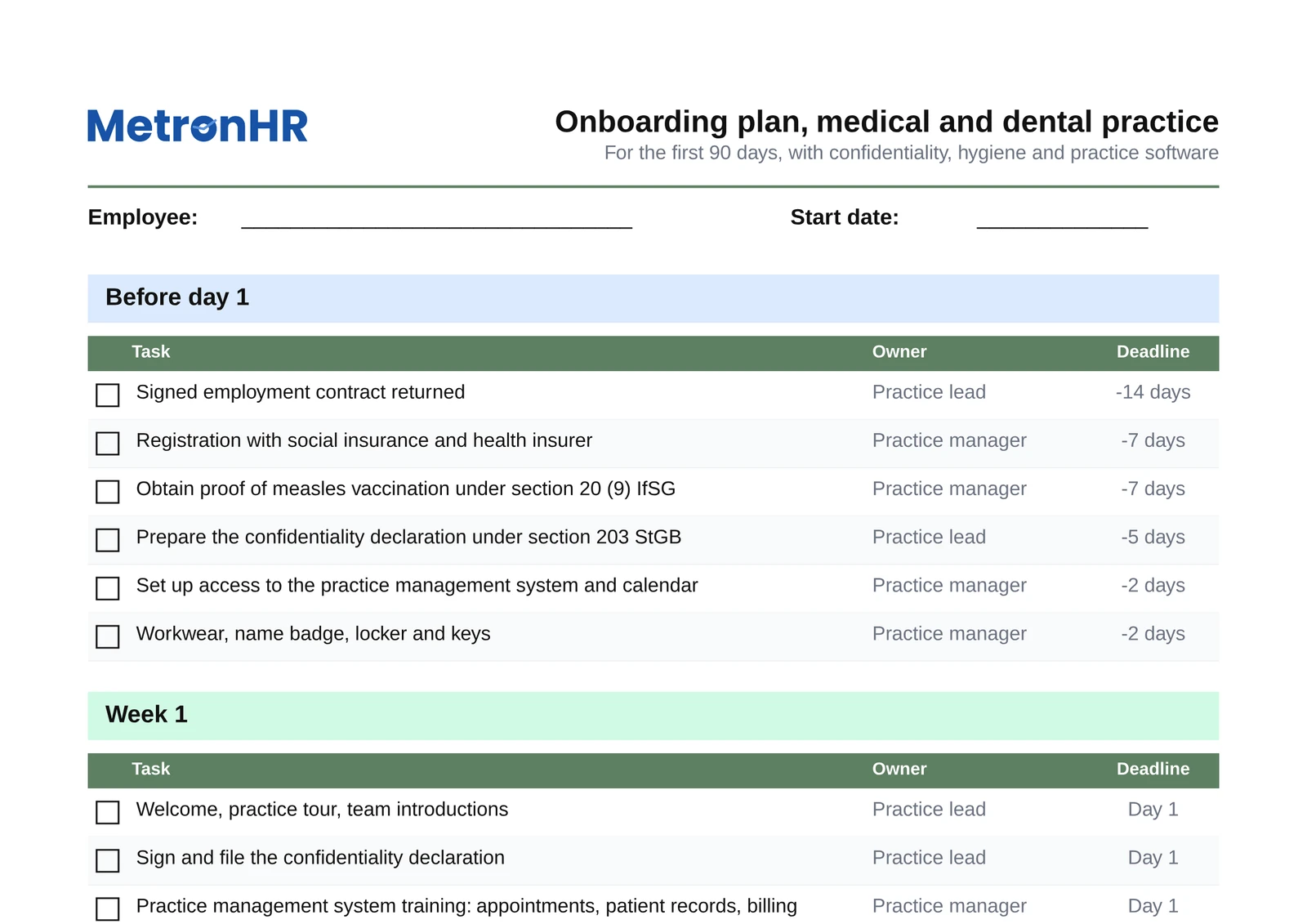
A 90-day plan for practices, with the duty of confidentiality under section 203 StGB, hygiene, the practice management system, the emergency procedure and billing.
View details & FAQ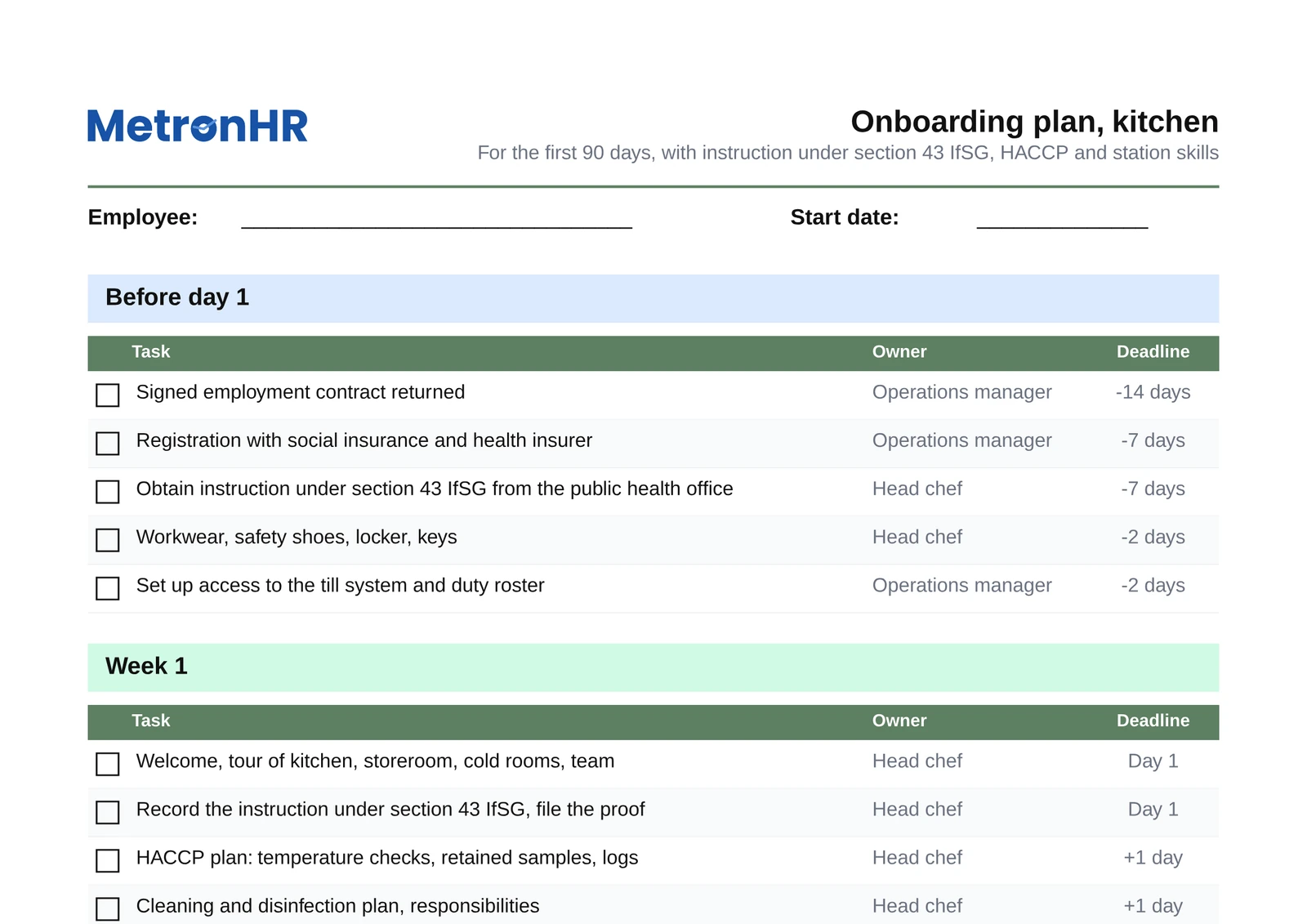
A 90-day plan for kitchen teams, with instruction under section 43 IfSG, HACCP, machine instruction, allergen labelling and station knowledge.
View details & FAQA universal onboarding plan is either too generic or so overloaded that nobody uses it. Being concrete makes the difference.
Instead of a headset and Slack in care or protective equipment and accident insurance registration in the office, every version lists only what is genuinely relevant.
HR/IT/team lead in the office world, branch management/shift management/buddy in retail, site management/foreman/workshop in trades.
A health certificate (section 43 IfSG) for hospitality, accident prevention instruction for trades, theft prevention for retail. So that nothing is forgotten.
Excel checklists work for the first new employee and are forgotten by the third. MetronHR turns the onboarding plan into a reusable workflow: tasks are assigned automatically, owners are reminded, the status per employee is documented and linked to the personnel file, with editor and timestamp.
In comparison
Excel template
Copy anew for every employee · maintain the status by hand · no reminders · a separate file per industry
What distinguishes the seven versions and how to pick the right one.
Question not answered here? Every step is explained in the help centre.
Send us a messageIn four steps. First set the period; the first 30, 60 and 90 days are usual. Second, note for each section the tasks that have to be in place by then, from workplace access through mandatory instruction to the first independent task. Third, enter a responsible person for each task, otherwise it will be left undone. Fourth, set a fixed date for the review meeting in which the plan is signed off. The seven templates below already bring steps one to three for their industry; you only fill in names and dates.
Because onboarding duties differ enormously between industries. An office template mentions a laptop and SSO, a hospitality template a health certificate (section 43 IfSG) and HACCP, a trades template personal protective equipment and accident prevention instruction. A general template is not concrete enough for anyone, or so overloaded that nobody uses it.
Office and knowledge work: software teams, agencies, consulting, marketing, administration. Retail and sales: branch stores, fashion, lifestyle, specialist retail. Hospitality in service: restaurant, cafe, bar, hotel service. Hospitality in the kitchen: restaurant kitchen, hotel kitchen, canteen, catering. Trades and construction: workshop, building site, installation, service and maintenance businesses. Care: residential facilities and home care services. Practices: doctors', dental and veterinary practices.
Yes. All templates are openly editable: remove tasks, add tasks, adjust owners and deadlines. Save it as your company's master template. For mixed businesses (a hotel with a restaurant, for example) you sensibly combine two templates.
All seven versions share the same 4-phase structure: before day 1 (contract, equipment, access), week 1 (induction, mandatory training, buddy system), month 1 (independent tasks, feedback meeting), month 3 (end of probation). What differs is the concrete tasks per phase and the owners.
You print the PDF version and tick tasks off with a pen, ideal for going through it together with the new employee. The Excel version you maintain digitally per employee with a status dropdown, automatic deadline calculation and a notes field.
MetronHR turns the checklist into a reusable workflow: for a new employee, tasks are distributed automatically to the right owners (HR, IT, site management, branch management), reminders are sent, deadlines are monitored and the status is documented with editor and timestamp in the personnel file.
When Excel checklists reach their limits in a team, MetronHR takes over the workflow. Try it free for 14 days.
No credit card, cancel at any time