Project time tracking with client, project and hourly rate
One entry sheet for 120 lines and a report per client that adds up hours and revenue by itself.
- No sign-up
- No newsletter
- Free to use
What is in the template?
Ready to use, with formulas, sample data and a legend.
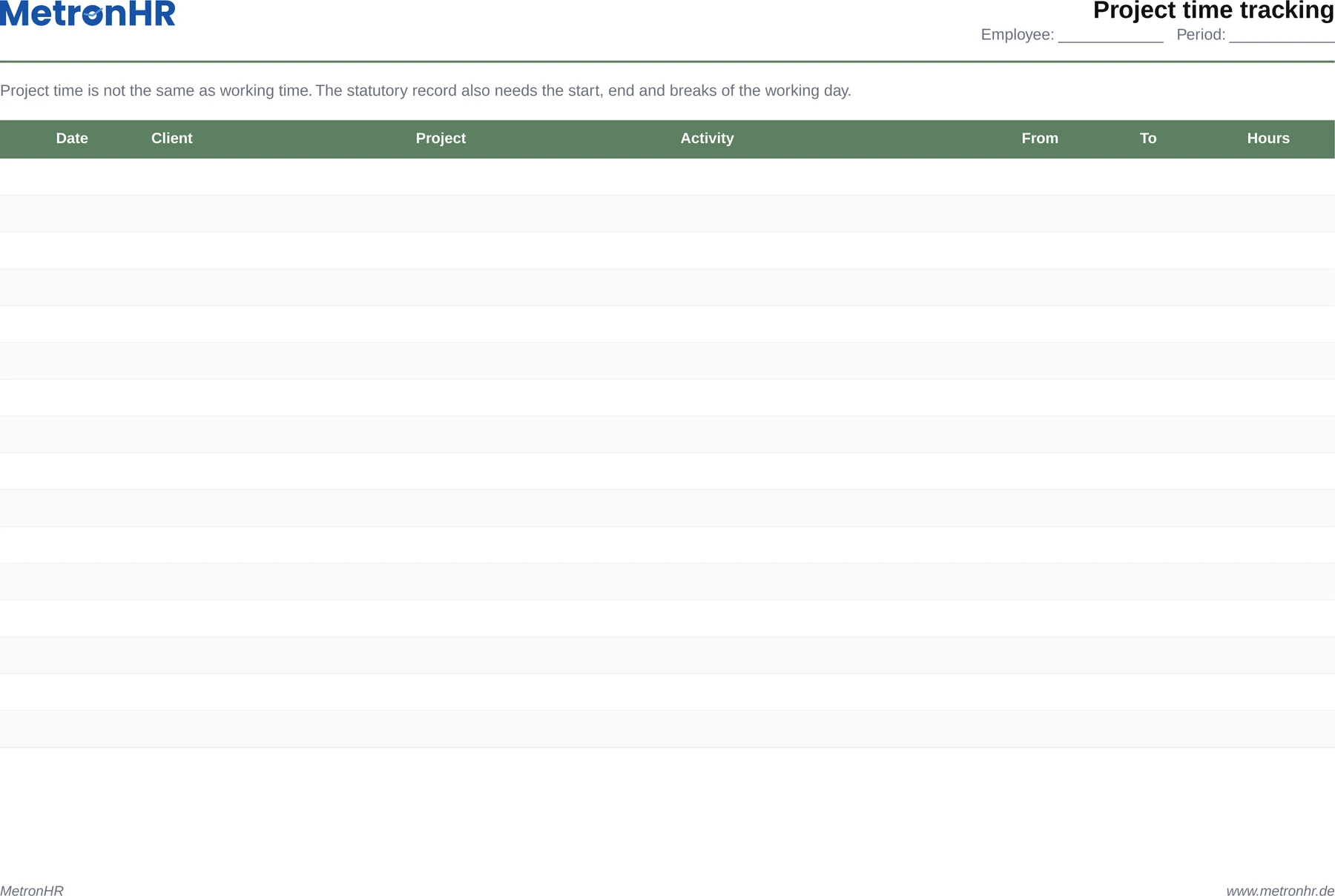
- 120 rows with date, person, client, project and times
- Hours and revenue per row calculated automatically from the hourly rate
- Filters across all columns, for reports by client or month
- A second sheet with totals per client
- A note on why project time does not replace the statutory record
When does the template fit?
Ideal as an interim solution or for small teams, with clear limits.
- Agencies, law practices and consultancies that bill by time spent
- IT service providers with maintenance and project hours
- Trade businesses working by job
At the end of the month nobody remembers what happened on the 12th.
Times entered from memory in the evening are too rough for an invoice. MetronHR records them while you work, with a stopwatch or in two clicks, straight onto client, project and activity, shows budget usage as a traffic light and prepares the invoice.
| Excel template | MetronHR | |
|---|---|---|
| Upkeep | Manual upkeep | Automatic calculations |
| Approvals | No workflows | Approval workflow |
| Reminders | No reminders | Reminders |
| Team | Copy again for every employee | One central source for the whole team |
Frequently asked questions
Answers on usage and legal aspects.
Question not answered here? Every step is explained in the help centre.
Send us a messageDoes project time tracking replace the statutory working time record?
No. The record required by the Federal Labour Court decision of 13 September 2022 (1 ABR 22/21) covers the start, end and duration of daily working time including breaks. The sum of project hours is something else: it says nothing about when someone started and stopped.
How do I handle non-billable time?
Enter it with a client such as „internal“ and leave the hourly rate field empty. That way it stays visible in the time total but does not feed into revenue. The share of billable time in total time is the metric that matters for utilisation.
Can I monitor budgets with the template?
Only manually: the report shows the hours used per client, but there is no target value in it. Anyone needing budgets with a target-actual comparison adds them in a column of their own or uses a system that continuously measures usage against the budget.
How long must I keep project times?
Where they form the basis of an invoice, the commercial and tax retention periods for accounting records apply. For the working time record, section 17 MiLoG applies alongside with two years, where it is applicable.
Templates are a start. MetronHR is the answer.
When Excel reaches its limits in a team, MetronHR takes over the process. Try it free for 14 days.
- No credit card required
- Ready quickly
- Cancel monthly
- Full access to every feature
Ready in 5 minutes, no credit card